The Media Arts production facilities offer a professional and creative working environment to develop your practical skills.
Film & TV Studios
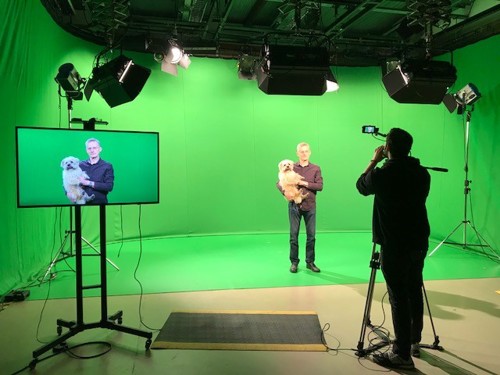
Our multi-purpose studio space is used for teaching and filming. Students have access to this space outside of teaching hours to work on their own projects as well as their assessed work.

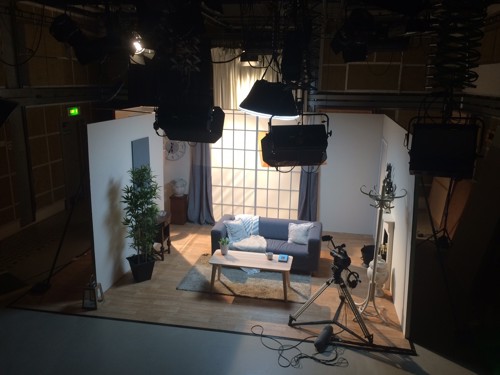
The studio provides 70 square metres of filming space for our students. The space includes a lighting grid, green screen capability as well as various scenery flats and staging.
We have a teaching space called The Loft above the main studio. The Loft seats 35 students and features a 65” touch screen smartboard. The Loft doubles as a seminar room and Foley sound recording space where students can capture sound effect elements andrecord ADR (automated dialogue replacement) with Neuman microphones.
Our studio manager Helen has 25 years of experience in the broadcast media industry. Alongside her work in Media Arts at Royal Holloway, Helen freelances in live television, location outside broadcasts and pre-recorded TV projects for the BBC, ITV and Channel Four.
Multimedia labs
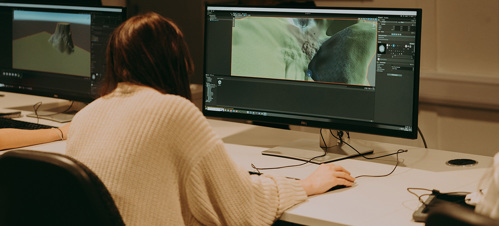
We run four dedicated multimedia labs, all with the most up-to-date production software for post-production, animation, VFX, game design and scriptwriting:
- Full Adobe CC suite (Photoshop, Premiere Pro, After Effects, etc)
- Avid Pro Tools and Avid Media Composer
- Apple Logic Pro (Mac labs)
- Unreal Engine and Unity (PC labs)
- Maxon One (includes Cinema 4D and Z Brush)
- Autodesk (3D Studio Max, Maya and Mudbox)
- TV Paint
Equipment Store
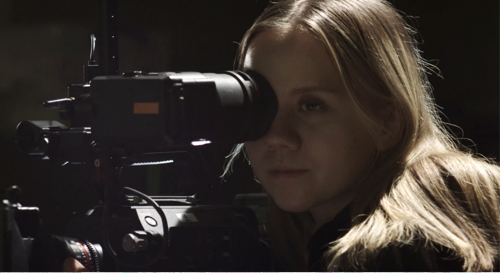
We offer all Media Arts students access to a large catalogue of professional equipment for all the courses we support:
- Cine and DSLR cameras (Sony, BlackMagic…)
- Prime lenses
- Lighting equipment (Arri, LEDs…)
- Grip equipment (Dolly tracks, Jib arm…)
- Location sound equipment (Boom mic, zoom recorders…)
- Drawing Wacom tablets
- VR headsets
You will be given training in location recording techniques and location safety during the first few weeks of your degree, after which you can borrow equipment for course productions on or off-campus once you have completed the necessary safety risk assessment for each shoot.
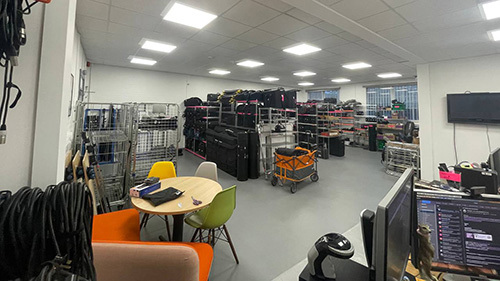
You can book equipment via our student-facing online booking system SISO, where you can add all the equipment you have been trained on to the basket and submit it for confirmation.
Our risk assessment system is included in SISO for a simple single website for you to prepare for your production.
You can also book a Tech Surgery: a one-to-one with one of our technicians for a refresher on equipment, or to have a chat about your project.
Prop Store
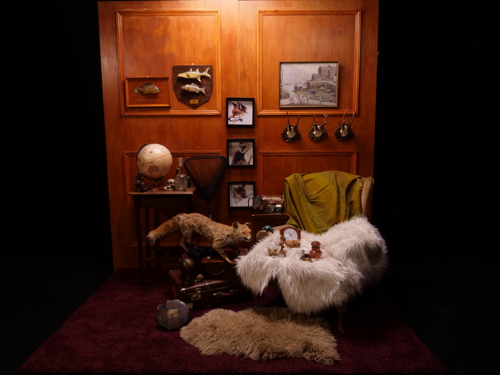
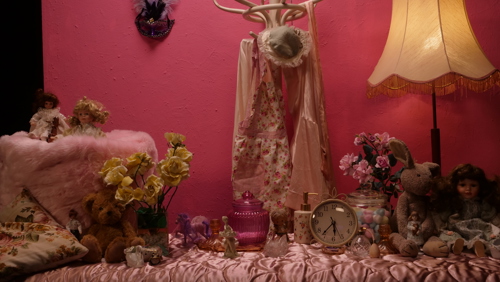
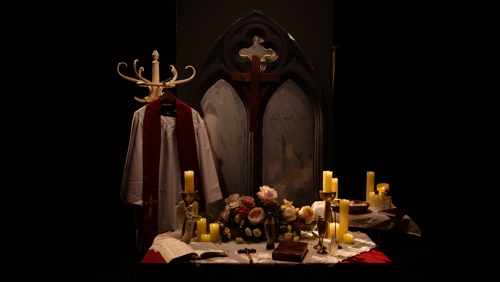
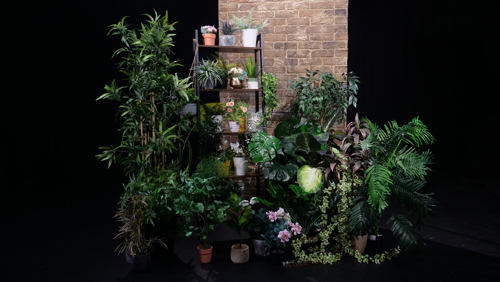
We offer all Media Arts students access to an eclectic selection of props, costume and furniture stored on campus in a prop store that students can visit and select suitable props for their creative projects.
Below are some examples of our props.
Sound recording suites
Audio facilities include location sound equipment such shotgun microphones and field recorders, a booth suitable for recording voice over, music, ADR and sound effects as well as a larger recording space suitable for foley recording. Specialist software includes Apple Logic Pro, Avid Pro Tools and Adobe Audition, and microphones include Neumann, Sennheiser and Audio Technica models.
All media editing suites have monitoring suitable for audio mixing, and a surround sound edit suite is available for more complex audio production.
Edit suites
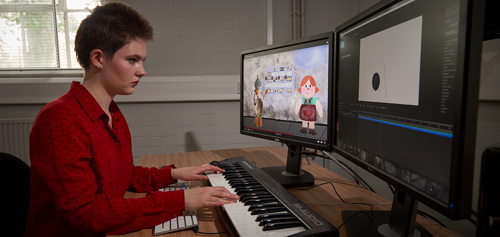
We host a large number of individual edit suites, each with a Mac Studio or Dell PC running the latest industry standard applications. Each edit suite is equipped with:
- Widescreen dual computer monitors and external speakers
- Adobe Creative Cloud apps including: Premiere Pro, After Effects, Photoshop and Audition
- DaVinci Resolve (Studio version on PCs)
- Avid Pro Tools and Media Composer
- Apple Logic Pro (Mac Studio only)
- Plus there are dedicated suites for sound, colour grading and 5.1 mastering
Every edit suite is connected to our central media storage server, so you can access your work wherever you are in the production hub on campus.
Digital media storage
Our students are given 24-hour access to our on-campus postproduction industry-standard media asset management server: EditShare currently offers 512 terabytes of media storage for video post-production and sound design over a fibre optic network. This system allows you the flexibility to log on to any of our specialist Apple and Dell desktop computers and continue working on your content.